
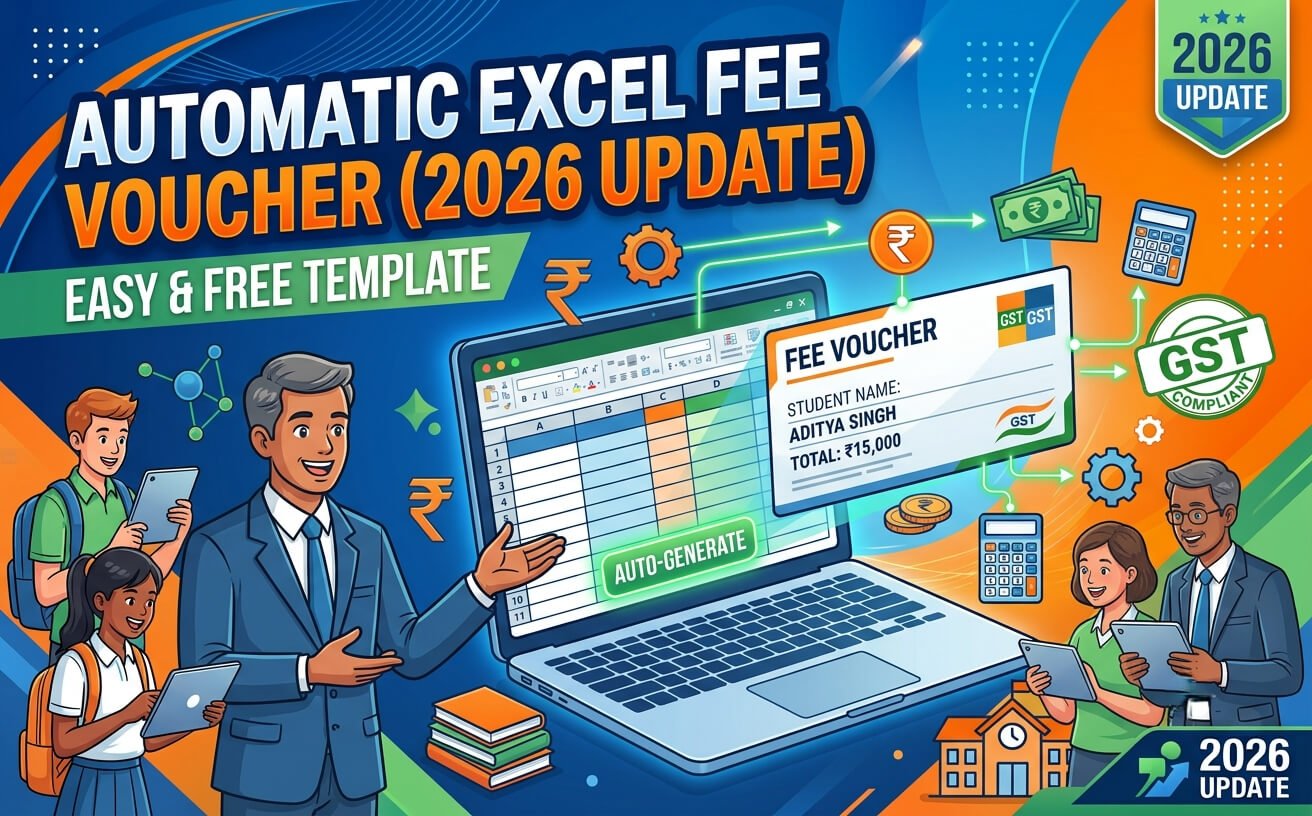
⚡ Quick Summary: Fee Voucher Automation (2026 Edition)
- Modern Automation: Traditional Excel spreadsheets ab VBA Macros, dynamic
XLOOKUP, aur AI prompt tools ke zariye one-click printable PDF receipts generate karte hain. - Cost vs ERP: Schools jinke paas <1,000 students hain unke liye Excel templates ab bhi ₹0 se ₹3,000 ki one-time cost mein best ROI provide karte hain.
- DPDP Act & GST Compliance: Student data security, password encryption, aur auto GST breakdown (18% late fees, tuition exempt) add karna ab mandatory requirement hai.
- Best Alternatives: Budget users ke liye NextGenTemplates aur AI experimenters ke liye Sourcetable top recommendations hain.
Agar aap kisi school, coaching center, academy ya private institute ka billing handle karte hain, toh har mahine manual fee slips aur receipts banana sabse exhausting kaam hota hai. Automatic fee voucher generation in Excel template administrative staff ka 30% se 40% time save kar deta hai.
Is comprehensive 2026 guide mein hum explore karenge ki modern Excel fee voucher templates kaise kaam karte hain, best ready-made templates kaunse hain, aur compliance (DPDP & GST) ko follow karte hue aap apna automated billing system kaise deploy kar sakte hain. Aap hamare detailed free Excel templates collection ko bhi browse kar sakte hain taaki ready-to-use sheets download kar sakein.
1. Excel Fee Voucher Generation: 2026 Mein Kya Badla Hai?
Purane zamane ke Excel sheets mein static formulas aur manual print areas set karne padte the. Lekin 2026 mein fee automation 3 major pillars par shift ho chuka hai:
🤖 AI-Assisted Templates
Sourcetable aur modern spreadsheet AI prompts ki madad se aap natural language (“Create a 3-copy student fee voucher with discount logic”) se customized template structure minutes mein ready kar sakte hain.
🔒 Mandatory DPDP Readiness
Digital Personal Data Protection (DPDP) Act ke tahat student aur parent data ko un-protected Excel files mein share karna risk ban chuka hai. Ab sheets mein password-protection aur role-based access zaroori hai.
⚡ Dynamic VBA & Auto-PDF
Ek single click par Student Copy, Bank Copy, aur School Copy PDF mein export hokar direct desktop ya WhatsApp folder mein save ho jati hain.
2. Top 5 Fee Voucher Excel Templates Compared (2026)
Market mein free aur premium dono types ke templates available hain. Humne features, security, aur pricing ke basis par inka detailed analysis taiyar kiya hai:
| Template / Tool | Price (Estimated) | Max Capacity | Auto-PDF & Print | Best For |
|---|---|---|---|---|
| NextGenTemplates Fee System | $5.99 (One-Time) | Unlimited | ✅ Built-in VBA | Budget-friendly Schools & Tutors |
| Sourcetable AI Voucher | Freemium / Subscription | Cloud Dependent | ⚡ Export Feature | Custom Prompt Builders |
| MSOfficeGeek Free System | Free (Open Template) | Up to 3,500 Students | ⚠️ Manual Print Setup | Zero Budget Small Institutes |
| Education Management Bundle | $34.99 (8-in-1 Kit) | Unlimited | ✅ Excel + Sheets | Complete Academic & Fee Setup |
| GitHub Open-Source VBA | Free / Community | Customizable | ✅ Developer Macro | Tech-Savvy Administrators |
3. Kaise Kaam Karta Hai Automated Fee Voucher Template?
Ek professional automated Excel sheet mainly 3 interconnected modules par chalti hai:
- Student Database Master Sheet: Jahan har student ka Roll Number, Name, Class, Section, Concession/Scholarship Category, aur Guardian contact save hota hai.
- Fee Head & Structure Sheet: Jahan Tuition Fee, Transport, Lab charges, Annual charges aur late fine rules set kiye jate hain.
- Voucher Generation Front-End: Jahan aap dropdown se Roll Number select karte hain, aur Microsoft Excel ke modern dynamic arrays (
XLOOKUPaurINDEX/MATCH) automatic billing data load kar dete hain.
Agar aapko complete institutional workflow manage karna hai jisme fee collection ke sath attendance aur student records bhi hon, toh hamara complete school management system Excel sheet guide zaroor dekhein.
💡 Pro Tip for 3-Part Vouchers:
A4 page par 3 equal sections banayein (Bank Copy, School Copy, aur Student Copy). Formula cells ko link karein taaki sirf ek bar Student ID enter karne par teeno receipts automatically populate aur print-ready ho jayein.
4. Legal Compliance: DPDP Act & GST Rules
India aur South Asian institutions mein Excel billing use karte waqt legal aur tax guidelines ka khayal rakhna lazmi hai:
Digital Personal Data Protection (DPDP) Act Compliance
Government of India ke India Code Portal par notified rules ke mutabiq, digital format mein bacho aur parents ka sensitive personal data store karne par strict privacy protocols lagte hain:
- Apne fee workbook ko strong 256-bit password se encrypt karein.
- Staff members ke sath shared computers par open sheets mat choriye.
- Cloud drive (Google Drive / OneDrive) par access control restrict karke rakhein.
GST on School & Coaching Fees
Formal schools ke liye core education services (Tuition fee) GST exempt hoti hain, lekin other heads par tax lagta hai:
- Tuition Fee: 0% (Exempt for recognized educational institutions).
- Transport Service: 5% (Depending on third-party contractor contracts).
- Late Fee Penalty / Commercial Coaching: Standard 18% GST applicability.
5. Excel Template vs Cloud School ERP: Decision Guide
Kya aapko Excel template use karna chahiye ya full-fledged ERP par shift hona chahiye? Is simple rulebook ko follow karein:
- Stick with Excel Template if: Aapke students ki count 1,000 se kam hai, fee counter par cash/cheque collect hota hai, aur aap monthly software subscription charges se bachna chahte hain.
- Upgrade to Cloud ERP if: Parents automatic UPI payment gateway links maangte hain, multiple branches hain, aur real-time parent mobile application portal mandatory requirement ban chuka hai.
Frequently Asked Questions (FAQs)
1. Kya Excel template se directly parent ke phone par WhatsApp fee receipt bhej sakte hain?
Directly standard Excel se automated WhatsApp nahi jata, lekin VBA macro aur WhatsApp Web API URL (https://wa.me/) integration se aap ek click par pre-filled receipt link browser mein open kar sakte hain.
2. Kya VBA Macro enabled template Mac aur Google Sheets par kaam karta hai?
VBA macros sirf desktop Microsoft Excel (Windows & Mac with permissions) par full potential mein run hote hain. Google Sheets ke liye aapko Google Apps Script (GAS) based template ki zaroorat hoti hai.
3. Kaunsa formula best hai fee voucher automated lookup ke liye?
Latest Excel versions mein =XLOOKUP() sabse fast aur secure formula hai. Purane Excel versions (2016 ya older) ke liye =INDEX(..., MATCH(...)) formula VLOOKUP se behtar perform karta hai.
4. Kya Excel template large schools (3,000+ students) ke liye safe hai?
3,000 se zyada records hone par complex formulas wali Excel sheet slow ho sakti hai aur file corruption ka risk hota hai. Aise scale par SQL-backed school management software ya dedicated database ERP use karna better option hai.
Automate Your Accounting Today
Sahi Excel template setup karne se aapka manual accounting error 0% ho sakta hai. Apne institute ke structure ke mutabiq best template select karein aur apne fee collection system ko professional banayein!