
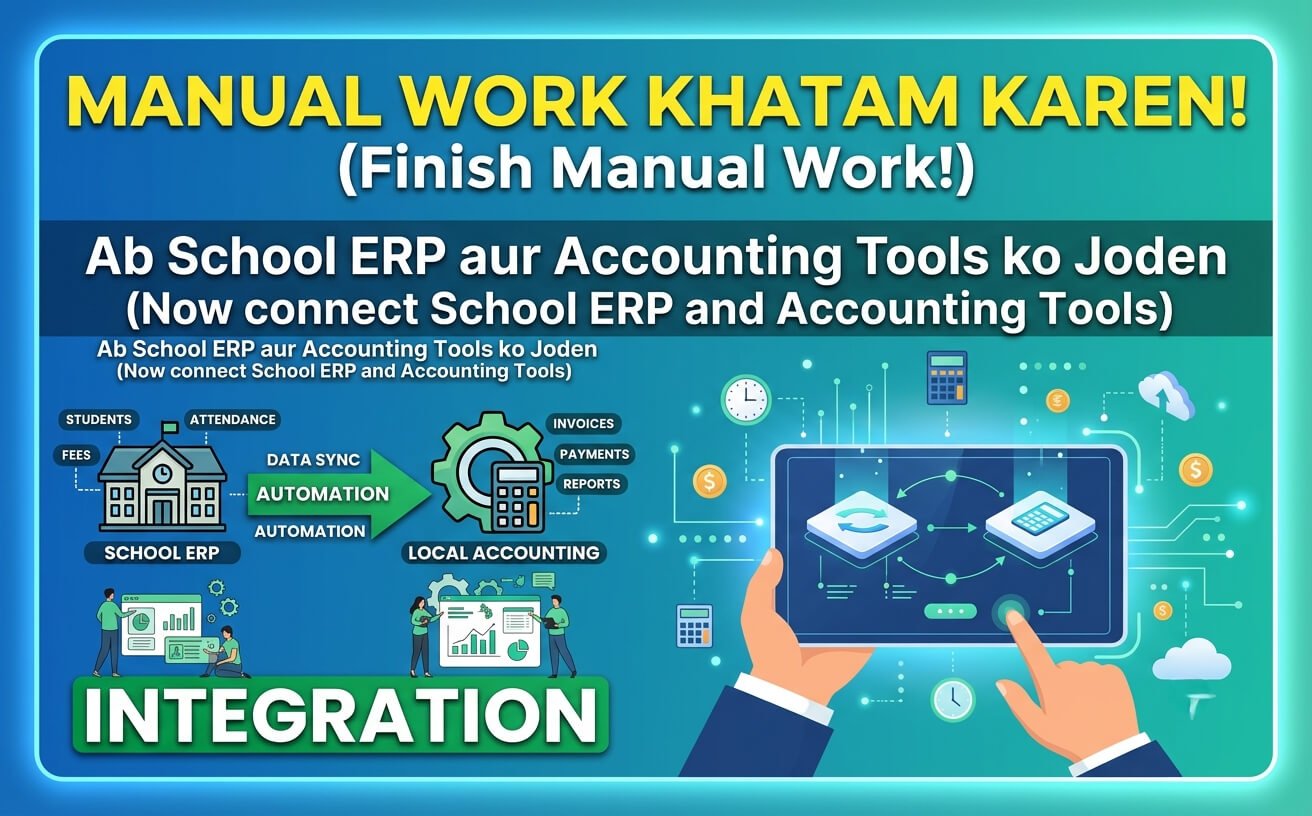
TL;DR — Yeh Guide Kis Ke Liye Hai
School administrators, accounts team waale, aur coaching institute owners — jo manual data entry se pareshan hain. ERP mein fee collect karo, Tally/Zoho mein automatic entry aaye. Manual re-entry khatam. Errors khatam. Time bachao.
Disclaimer: Main kisi ERP ya accounting software vendor ka agent nahi hoon. Ye unbiased third-party analysis hai.
Manual Work Kyun Khatam Karna Zaroori Hai?
Sach ye hai — bahut saare schools ERP use karte hain operations ke liye (admissions, attendance, fees, exams). Aur Tally ya Zoho Books alag se chalate hain accounting ke liye.
Problem kya hai? Dono ke beech koi connection nahi.
Accounts team ko ERP se data nikalna padta hai, Excel mein整理 karna padta hai, phir manually Tally mein entry karna padta hai. Ek school ki finance team days spend karti hai reconciliation mein — figures match nahi karte, errors accumulate hote hain, aur auditors ko gaps milte hain jo real-time visible hone chahiye the.
Kuch schools ki haalat: Fee collection system alag, accounting software alag, Excel mein budget tracking alag, procurement email chains mein. Har tool apna kaam karta hai, lekin koi ek doosre se baat nahi karta.
Iska result? Month-end close weeks lagta hai. Leadership ko reports days late milti hain, already stale.
Integration Kya Karta Hai? — Simple Explanation
Integration ka matlab hai — dono systems ek doosre se baat karein.
ERP mein jo data enter ho, wo automatically accounting software mein update ho jaaye. Jaise:
- ERP mein fee entry create ho → Tally mein automatic voucher ban jaaye
- Attendance daalo → Payroll auto-calculate ho
- Expense approve ho → Ledger automatically update ho
Manual re-entry khatam. Reconciliation automatic. Audit trail maintain.
Integration Ke 3 Main Approaches
1. Push-Based Integration (ERP → Accounting)
ERP se data directly Tally/Zoho mein push hota hai. Jaise fee entry ERP mein create ho, toh Tally mein automatically voucher ban jaaye.
Kaam kaise karta hai: API ke through. ERP accounting software ko batata hai — “ye fee aayi hai, entry kar do.”
TallyPrime XML over HTTP support karta hai integration ke liye. Zoho Books ki API bhi strong hai.
2. Pull-Based Integration (Accounting → ERP)
Accounting software khud ERP se data fetch karta hai. Ek predefined schedule ke hisaab se call karta hai aur naya data le aata hai.
3. Middleware/Third-Party Bridge
Jab direct API possible nahi, toh ek middleware use karte hain — jo dono systems ke beech data convert aur sync karta hai. Zapier, custom middleware, ya integration partners is category mein aate hain.
Kaunsi approach kis school ke liye?
| School Size | Recommended Approach | Reason |
|---|---|---|
| Small (under 200 students) | File-based (CSV/Excel) | Budget-friendly, minimal setup |
| Mid-size (200-1000) | Middleware | Easy setup, good balance |
| Large (1000+) | Direct API | Fully automated, real-time |
| Multi-branch chains | Direct API + Middleware | Complex mapping, high volume |
Step-by-Step Integration Implementation Guide
Step 0 — Pehle existing data clean karein:
Duplicate student entries, incomplete parent records, missing fee details — sab pehle fix karo. Integration clean data pe chalta hai. Agar data ganda hai, toh integration bhi ganda output dega.
Step 1 — Chart of Accounts mapping:
ERP ke ledger accounts aur accounting software ke ledger accounts ko match karo. Agar ERP mein “Fee Income” hai aur Tally mein “School Fees” — dono ko map karo.
Step 2 — Integration approach finalize karo:
Budget, IT capability, aur volume ke hisaab se decide karo — API, Middleware, ya File-based.
Step 3 — TallyPrime configure karo:
TallyPrime mein integration enable karo: F1 (Help) → Settings → Advanced Configuration → Enable HTTP Server (default port 9000).
Step 4 — Development/testing environment mein trial run:
Real data ke saath test environment mein integration chalao. 1 hafte ka data daalo, check karo ki entries sahi aa rahi hain ya nahi.
Step 5 — Go-live aur parallel run:
Production mein deploy karo, lekin 1 month tak manual entries bhi karte raho. Agar automatic sync fail ho, toh manual backup ho.
Step 6 — Team training:
Accounts team ko batado — “ye automatic ho raha hai, lekin aapko verify karna hai.” Training ke bina integration ka faida nahi utha paate.
Real Pricing — 2026 Ke Approximate Rates
| Integration Type | Setup Time | Approx ₹ Cost (Setup) | Annual Maintenance |
|---|---|---|---|
| Direct API | 2-4 weeks | ₹50,000 – ₹2,00,000 | ₹15,000 – ₹50,000 |
| Middleware | 1-2 weeks | ₹25,000 – ₹75,000 | ₹10,000 – ₹25,000 |
| File-based | 1-3 days | ₹5,000 – ₹15,000 | ₹0 – ₹5,000 |
| ERP Vendor’s in-built | 1-2 weeks | ₹30,000 – ₹1,00,000 | Usually in AMC |
Hidden charges bhool mat jaana:
- Training cost: ₹5,000 – ₹20,000 extra
- Data migration: Agar purana data clean nahi hai, toh alag charge
- Custom mapping: Agar chart of accounts match nahi karte, extra time aur paisa
Ek “free” ERP for a 500-student school typically costs ₹40,000-80,000/year once you add SMS packs, payment gateway, and premium features.
Common Integration Challenges — Sach Bata Rahe Hain
1. Legacy systems ka issue:
Bahut saare schools purane accounting systems use kar rahe hain jo naye ERP ke sath integrate nahi ho paate. Tally ERP 9 aur Tally Prime ke APIs alag hain.
2. Chart of Accounts mapping complexity:
ERP ka chart of accounts aur Tally ka chart of accounts match karna padta hai. Agar dono alag hain, toh mapping mein time lagta hai.
3. Fragmented data:
Schools often have fee collection system, accounting software, Excel budget tracking, and separate procurement — sab alag. Integration in sabko connect karna mushkil hai.
4. Vendor coordination:
Integration issues mein ERP vendor aur Tally partner dono ek doosre pe blame karte hain.
5. Data security concerns:
Educational data protect karna zaroori hai. Integration ke through data transfer encrypted hona chahiye.
Best Practices — Integration Kaise Karwayen?
1. Pehle requirements define karo:
Integration se kya achieve karna hai — sirf fee entries sync karni hain? Ya payroll, expenses, purchase sab kuch?
2. Sahi integration approach chuno:
- API-based: Agar dono systems APIs support karte hain — best approach
- Middleware-based: Agar direct API possible nahi
- File-based: Excel/CSV export-import — cheapest lekin real-time nahi
3. Phased rollout karo:
Finance aur HR se start karo, phir admissions aur alumni mein expand karo.
4. Data mapping pe dhyan do:
ERP ke data fields ko accounting software ke data fields ke sath properly map karo.
5. Testing karke dekho:
Production mein deploy karne se pehle test environment mein integration test karo.
6. Team ko train karo:
Accounts team aur admin team ko training do — integration kaise kaam karta hai, agar kuch galat ho toh kya karna hai.
Tally vs Zoho Books vs QuickBooks — Integration Comparison
| Accounting Software | Integration Complexity | Best For |
|---|---|---|
| Tally Prime | Medium-High | Most Indian schools — native XML over HTTP support |
| Zoho Books | Low-Medium | Schools already on Zoho ecosystem — strong API |
| QuickBooks | Medium | International boards, multi-currency needs |
Zoho Books ka integration relatively easier hai because Zoho’s API documentation strong hai. Tally ka integration thoda complex hai because Tally Prime aur Tally ERP 9 ke APIs alag hain.
Case Study: Bangalore International School
Bangalore International School faced challenges with legacy accounting software and manual procurement processes.
Key challenges:
- Dependency on Tally with limited real-time insights
- Manual purchase requests and quotation comparisons
- Lack of centralized vendor and item masters
- Time-consuming reconciliations and reporting
Solution:
- Zoho Books for end-to-end accounting, GST compliance
- Zoho Creator for procurement lifecycle management
- Zoho Analytics for management dashboards
Results:
- Faster procurement cycle through automation
- Improved financial accuracy and GST compliance
- Centralized data with real-time visibility
- Better management decision-making
Decision Matrix — Kya Aapko Integration Chahiye?
Karo agar:
- Accounts team 3+ days/month manual entry mein spend kar rahi hai
- 200+ students hain
- Audit compliance chahiye
- Real-time financial visibility chahiye
Mat karo agar:
- 100 se kam students hain
- Accounting simple hai (sirf fee-income)
- Budget bahut tight hai
- Next 1-2 years mein ERP change karne waale ho
Key Takeaways
- Integration manual kaam khatam karta hai. Lekin ye magic nahi hai — planning, testing, training sab zaroori hai.
- Real cost sirf setup ki nahi. Maintenance, training, aur potential break-fix ka budget rakho.
- Sahi integration approach = school size + budget + IT capability. Small schools file-based le sakte hain. Large schools API chahiye. Mid-size middleware best.
- Phased rollout karo. Finance aur HR se start karo.
- Data mapping pe dhyan do. ERP aur accounting software ke chart of accounts match karo